
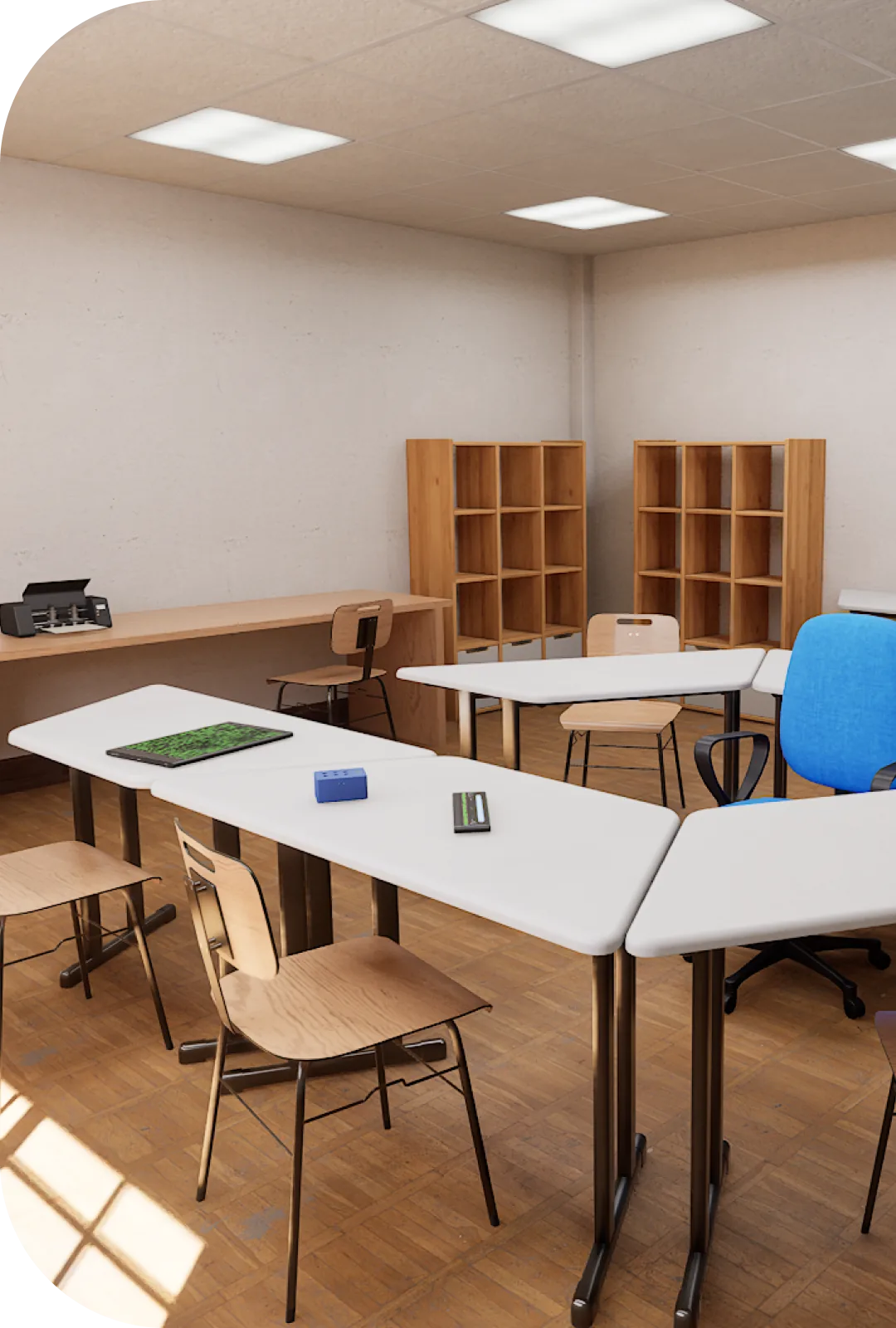
A braille literacy ecosystem for inclusive schools
Turn your school into a truly inclusive environment with Sala Braille, a complete solution that brings together technology, teacher training and support for braille education.
Learn more- Installed and in daily use at EEF Instituto dos Cegos, Fortaleza, Brazil
- SlateBraille patent filed with INPI, the Brazilian patent office
- Technology born from a Ministry of Education / FNDE project
- Research and development with IFCE
Why Sala Braille matters
Braille literacy is essential to ensure the independence and full development of blind students. Our integrated solution makes that process easier, turning teaching into something more efficient and accessible.
Real, effective inclusion
Equipment and methodologies that guarantee blind students take full part in school activities.
Teacher training
Ongoing training so educators build real skills in teaching braille.
Educational technology
Apps and digital resources that make learning more dynamic and engaging.
Sala Braille solutions
State-of-the-art equipment and technology resources for braille literacy
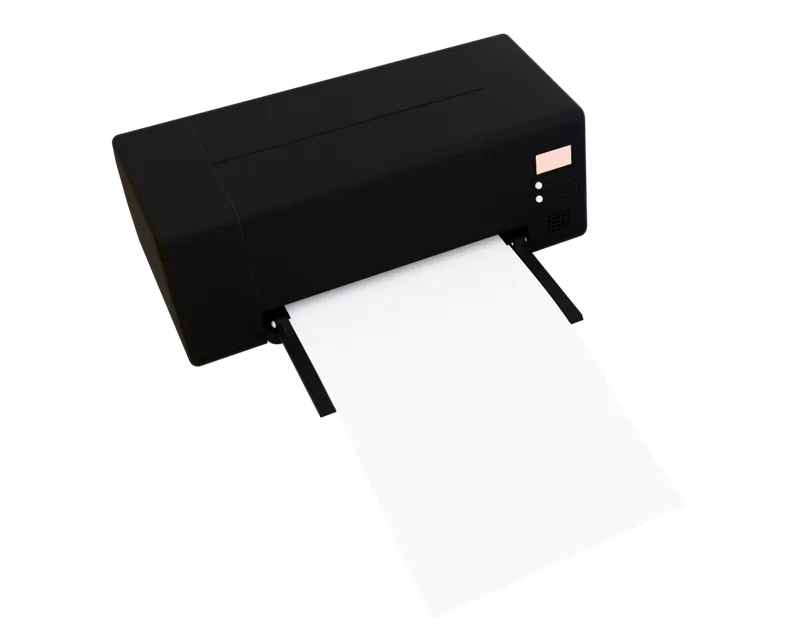
BRAILLEPRINTER
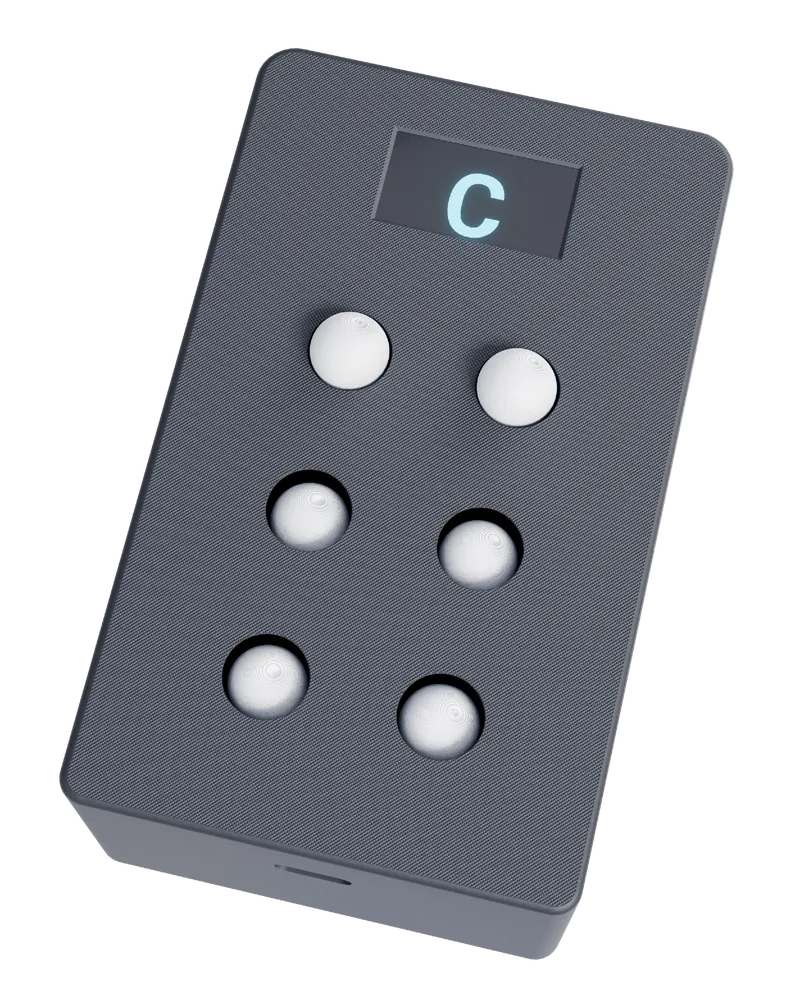
EDUKABRAILLE
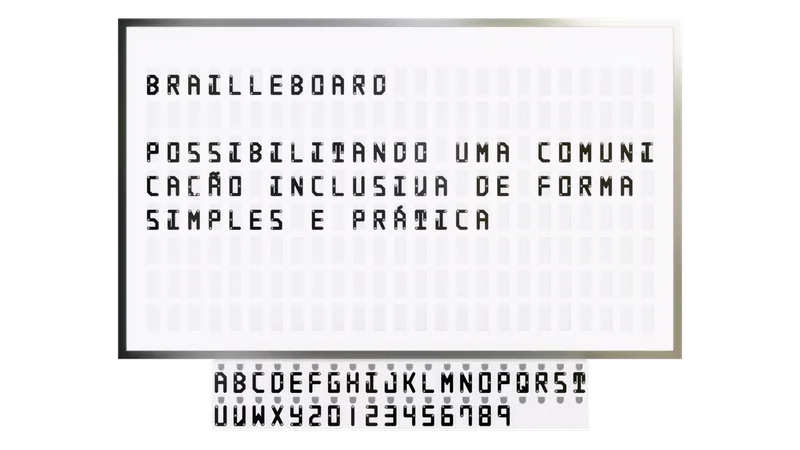
BRAILLEBOARD
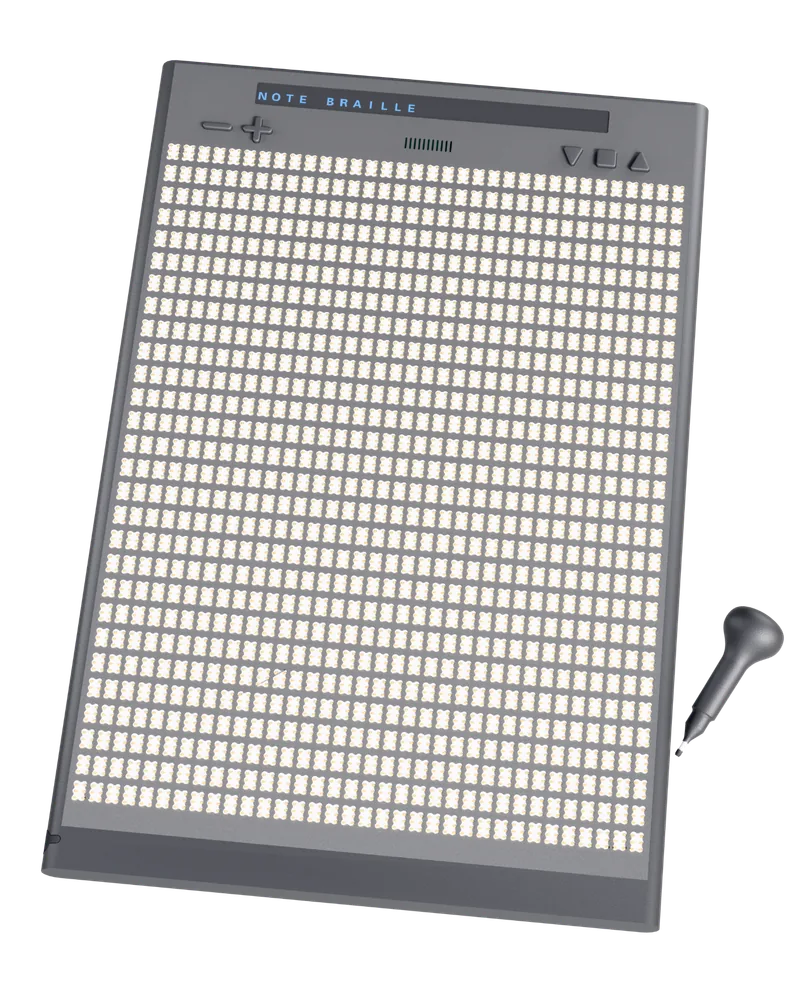
NOTEBRAILLE
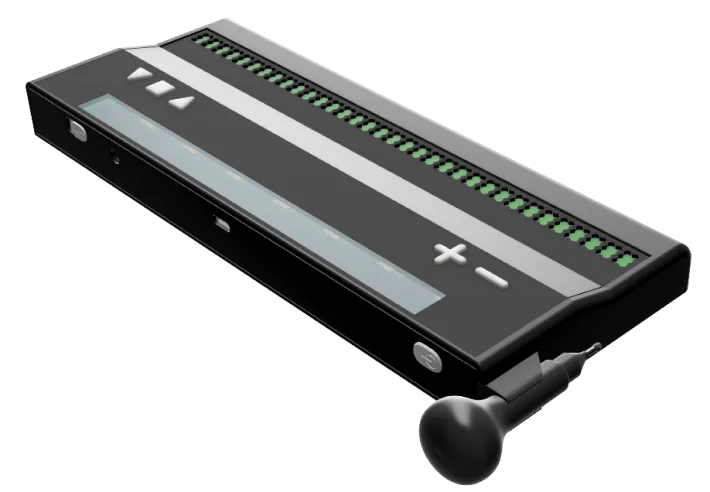
SLATEBRAILLE
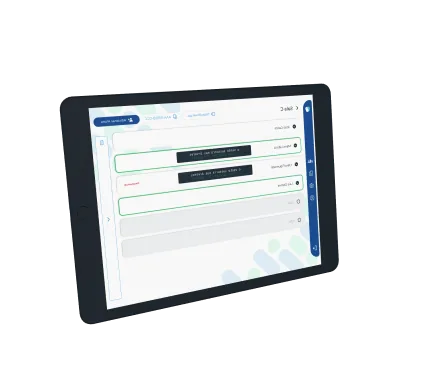
APP SALA BRAILLE
In development
Two devices already have published demonstrations but are not yet available for purchase.
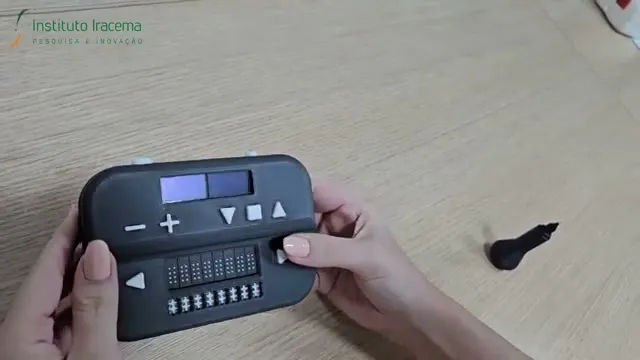 In development
 LITERACYBRAILLE
The Linha Braille RW: braille reading and writing integrated into a single device.
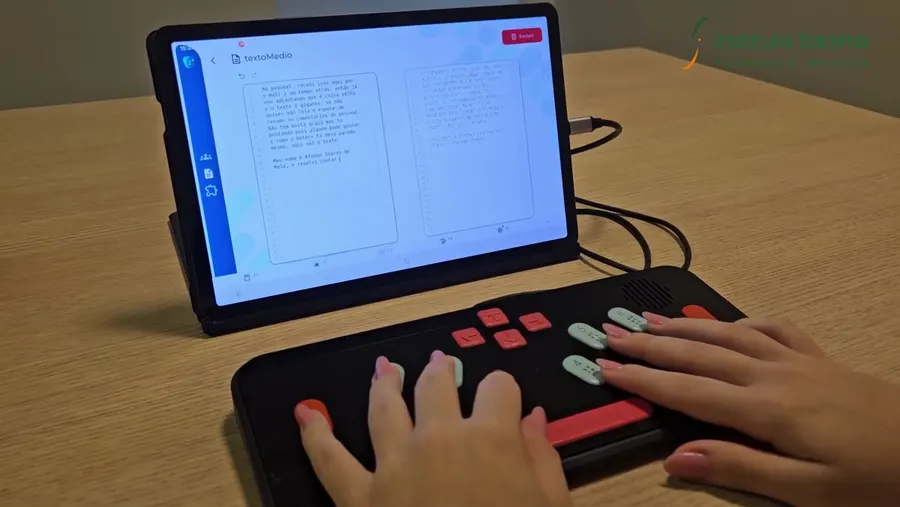 In development
 DIGIPERKINS
A braille keyboard in the Perkins layout that connects over USB to a computer or tablet.
See it working
Demonstrations of the devices, recorded by the team that developed them.
The videos have no narration — the audio is only music and the sound of the devices themselves. A description of each demonstration appears right below its video.
SLATEBRAILLE
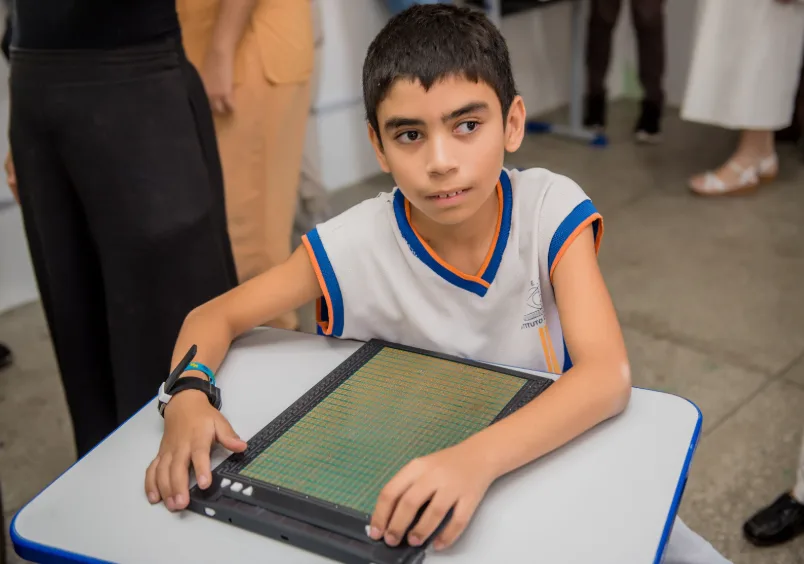
A digital slate: the student writes braille with a stylus and the text appears in the app straight away, ready to move to a computer or phone.
LITERACYBRAILLE
A braille display for reading and writing in a single device, with the app following what is read and written.
NOTEBRAILLE
A digital notebook: write in braille and carry the text over to other devices.
EDUKABRAILLE
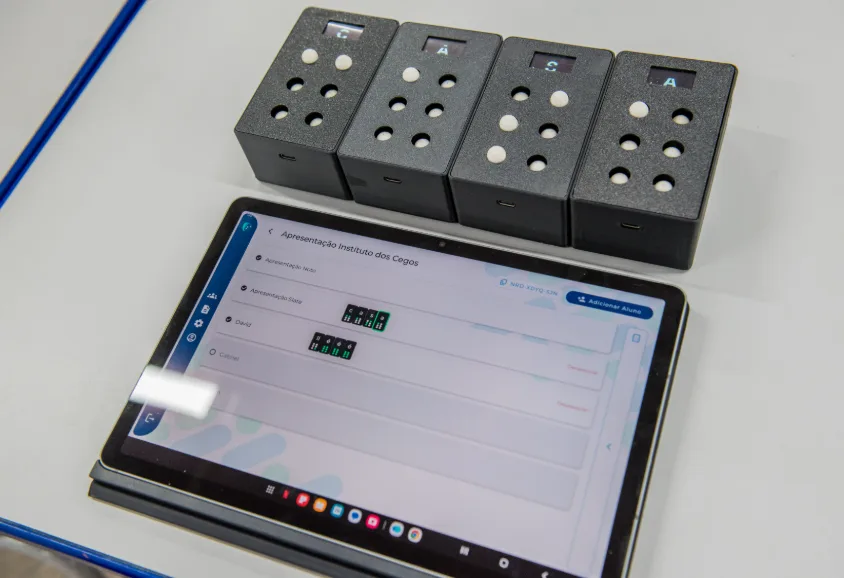
Blocks that form letters one at a time and connect to build words, with icon-based navigation and the app following along in real time.
DIGIPERKINS
A keyboard in the Perkins layout, connected over USB to a computer or tablet: what is typed shows up in the app.
BRAILLEPRINTER
A low-cost printer that embosses the teaching material in braille, sheet by sheet.
How Sala Braille transforms
Concrete benefits for the whole school community
For schools and school networks
Deploy a complete braille literacy solution with modern infrastructure, leading-edge technology and ongoing training for educators, ensuring real and effective inclusion.
For teachers
Get specialised tools, structured teaching material and constant technical support to run more dynamic, inclusive lessons with your blind students.
For blind students
Learn braille efficiently with modern equipment, interactive apps and proven methodologies that speed up literacy and independence.
How it works in practice
A simple, structured process to implement Sala Braille
Planning
Our team analyses your school's needs and designs the ideal solution, taking space, number of students and teaching goals into account.
Setting up the room
We install all the equipment, set up the technology infrastructure and prepare the space to welcome students.
Teacher training
We train educators on proven methodologies, how to use the equipment and teaching strategies for braille.
Everyday use
We follow the rollout, provide ongoing technical support and gather feedback for constant improvements to the learning process.
Real installation
It is already running in a real school
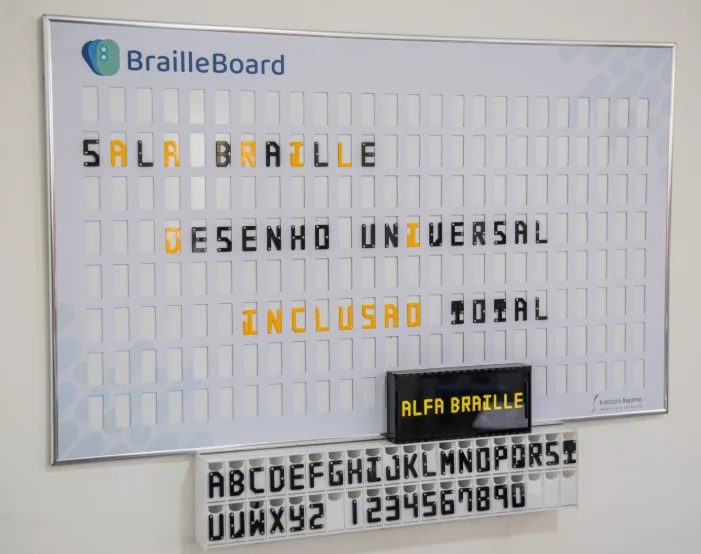
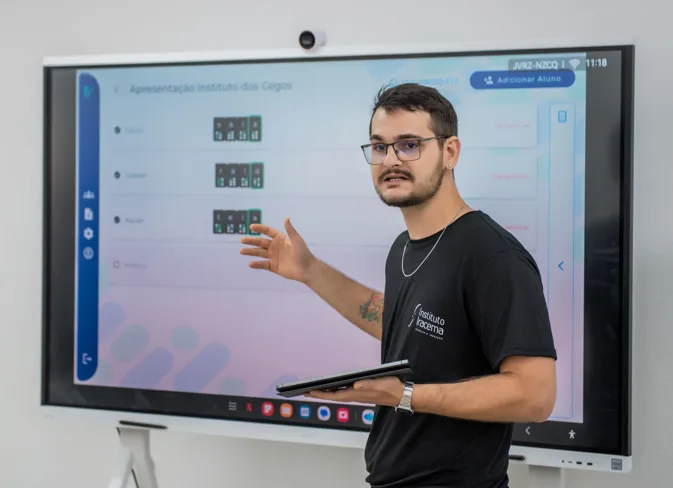
The first Sala Braille was inaugurated on 29 November 2024 at EEF Instituto dos Cegos, in Fortaleza, Brazil, and is used by blind students every day.
A visit to the installed room: the devices in use during class, with interviews from the school and from the research coordinator. The video is in Portuguese, with subtitles burned into the picture.
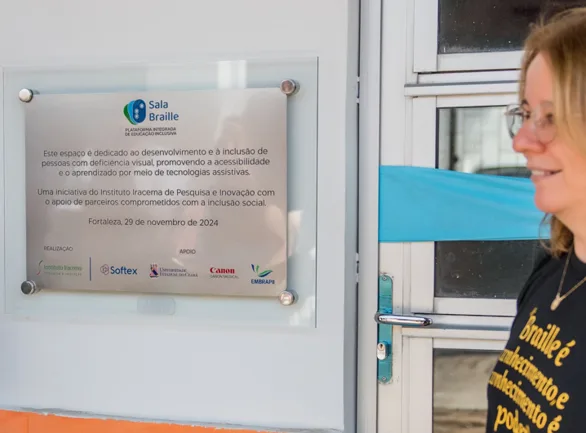
The plaque at the entrance to the room. Delivered by Instituto Iracema de Pesquisa e Inovação, with support from Softex, Universidade Estadual do Ceará, Canon Medical and EMBRAPII.
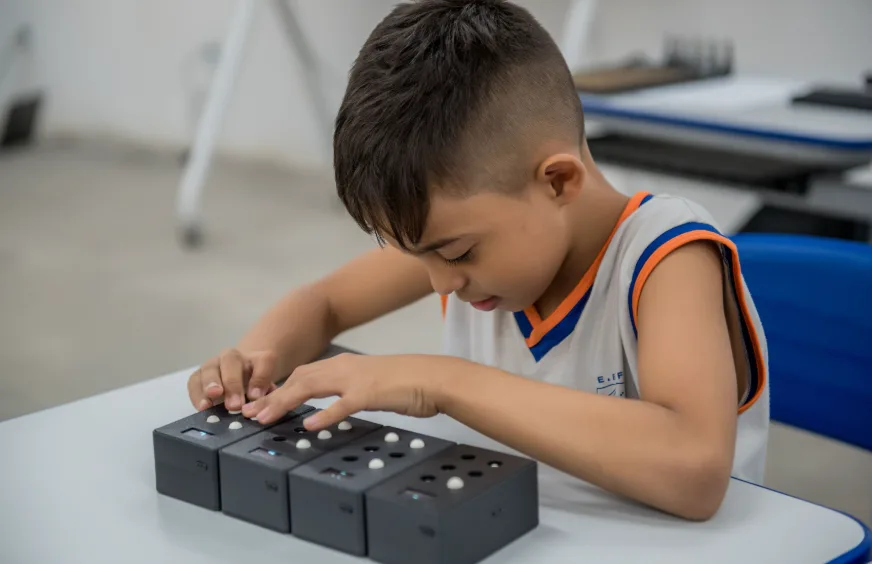
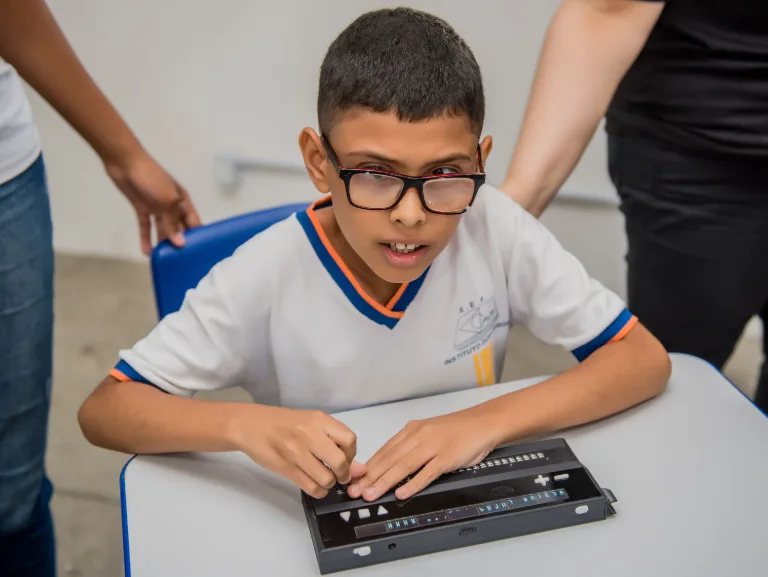
The people who were there
It has been an achievement, it was an achievement for the school. The school turns 50 this year, and for us it has been a partnership that is working very well and improving our work in the classroom.
I think this is an example of good use of the Informatics Law, answering the needs of an area that is still so underserved in our country. So congratulations to you. It is good to find equipment already this mature, already practically ready to be used in education.
Sala Braille is a set of technologies that take braille off the paper and bring it to the computer. […] We hope this can speed things up a great deal and bring real quality to the literacy process, above all for blind students.
The programme that gave rise to Sala Braille
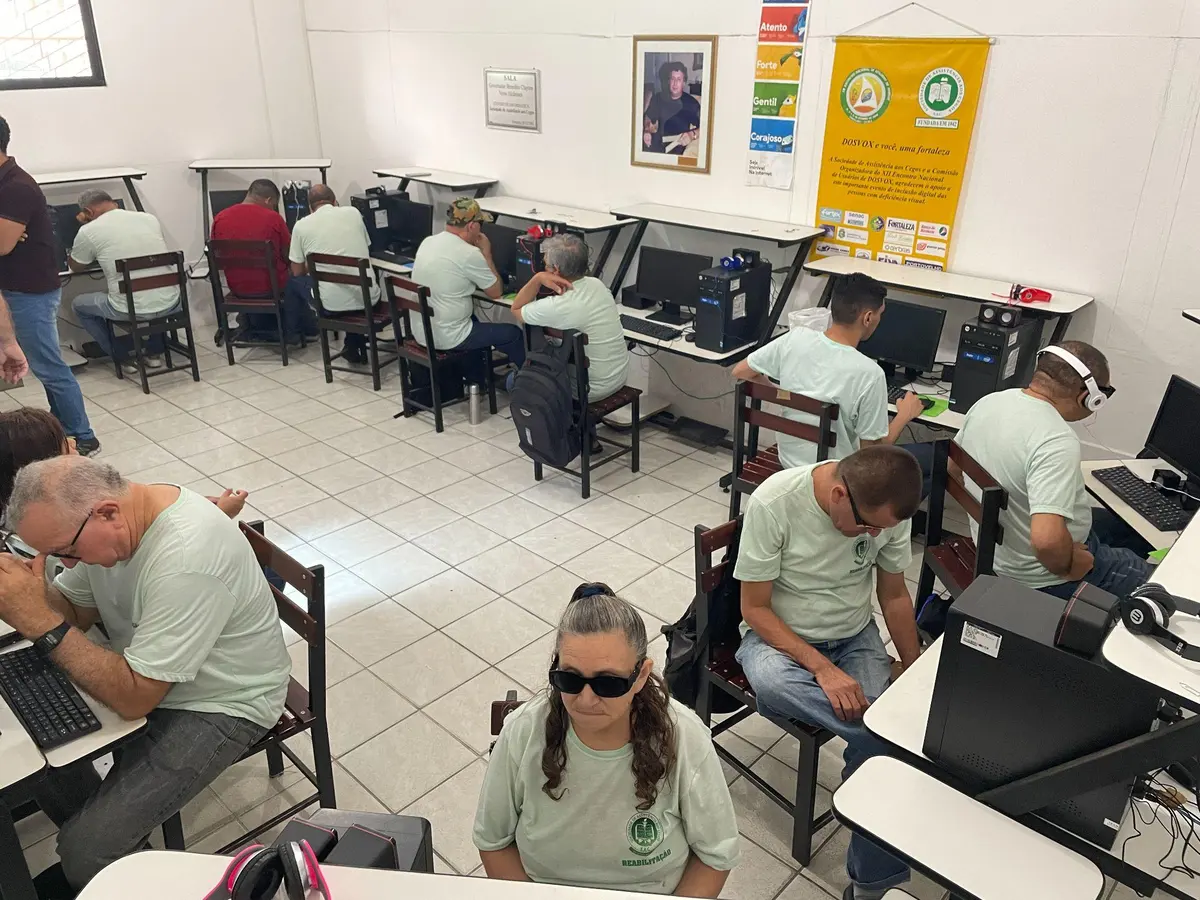
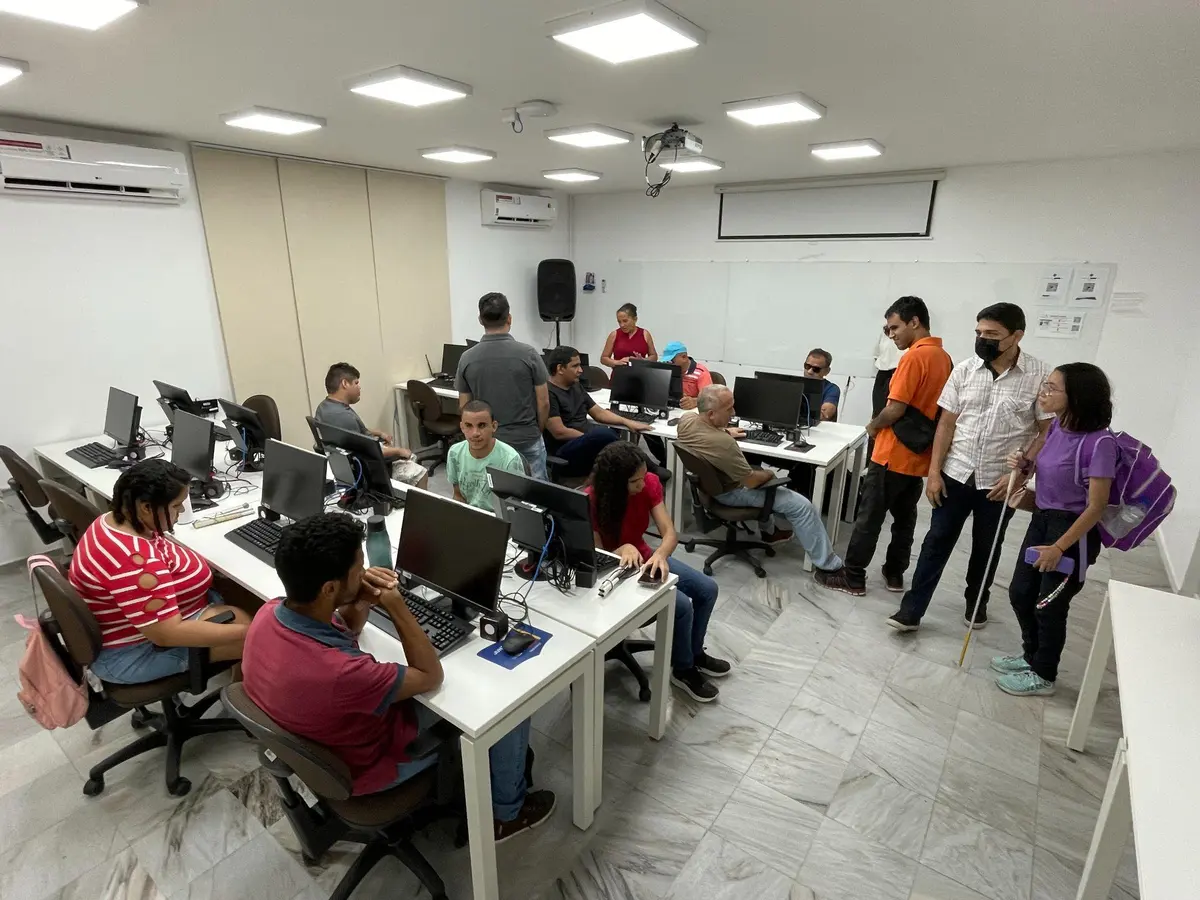
blind people trained in digital literacy
in basic computing
in applied computing (IT management)
in introduction to programming
Devices produced
- 90 enlarged braille cells
- 90 digital slates (SlateBraille)
- 10 NoteBrailles
- 10 braille printers
Figures from the training programme run by Instituto Iracema de Pesquisa e Inovação together with Instituto dos Cegos Antônio Bezerra and Instituto dos Cegos Hélio Góis, before the room itself was installed.
Build the right Sala Braille
We offer three configurations adapted to the different needs and sizes of educational institutions.
Sala Braille Essencial
Designed for schools taking their first steps in braille literacy.
- Focused on early braille reading and writing activities.
- Ideal for starting with leaner infrastructure and growing later.
Sala Braille Completa
Suited to schools with more blind students and intensive use of braille resources.
- Includes resources for teaching, practice, note-taking and braille printing.
- Lets you integrate Sala Braille into different spaces: classroom, library and computer lab.
Sala Braille Customizada
A model that starts with a smaller set of equipment and grows along with the school.
- Lets you start with the essentials and add new devices over time.
- Ensures the school can adapt to new classes and new needs.
In a quick conversation, we help you design the Sala Braille configuration that best fits your reality.
Where it comes from
Fifteen years of research in every device
Sala Braille did not start as a product. It started as public research, in a federal university laboratory — and that is what sustains the support, the spare parts and the evolution of the devices over time.
-
2010
PORTÁCTIL at the Ministry of Education
Instituto Iracema presented to the then Minister of Education, Fernando Haddad, a platform for the literacy and digital inclusion of blind children. The project was approved and developed with FNDE funding.
-
2010–2024
A research line at IFCE
From there came a continuous assistive technology research line at the Applied Research and Automation Development Laboratory of the Federal Institute of Ceará, where the devices were designed and tested with real users.
-
2024
The first Sala Braille in a school
The room was inaugurated at EEF Instituto dos Cegos, in Fortaleza, bringing the devices, the app and teacher training together in one place.
-
Today
INOVAeye
INOVAeye is the startup born out of Instituto Iracema — and still its partner today — responsible for bringing Sala Braille to schools and school networks across Brazil.
Patent
SlateBraille has a patent filed with INPI, the Brazilian patent office, under number BR 102020015585-7 A2, on 30 July 2020.
Delivery and partnership
Delivered by Instituto Iracema de Pesquisa e Inovação, in partnership with Softex, Universidade Estadual do Ceará, Canon Medical, EMBRAPII and the Federal Institute of Ceará.
In the press
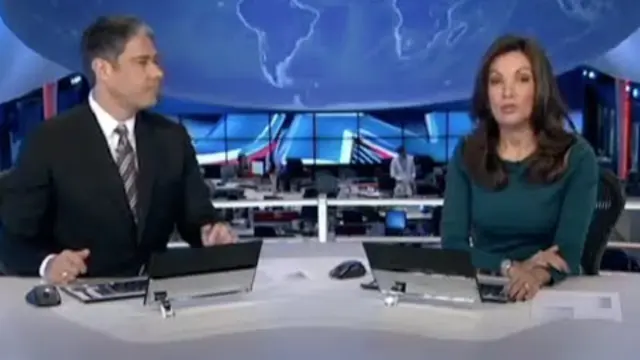
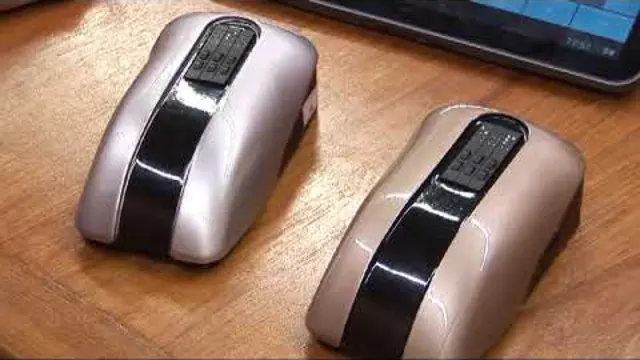
The project that gave rise to Sala Braille was covered on Brazilian television.

Frequently asked questions
Clear up your questions about Sala Braille